
My Website Isn't Ranking on Google. How Can I Fix It?
Understand Why Your Website Is Missing From Search Results and What to Do Next.

How Do I Know Whether Google Has Indexed My Website?
Indexing means Google has processed a page and may consider it for search results. Ranking means that page appears for a particular query. Being indexed does not mean a page will rank on page one, and being absent for one search term does not mean the site has disappeared from Google.
Use Google Search Console's URL Inspection tool for a specific page. Check whether the URL is indexed, whether Google selected a different canonical page, and whether crawling or indexing restrictions were detected. The Pages report can help identify broader patterns such as excluded duplicates, redirects, or pages that were discovered but not indexed.
Why Is My New Website Not Ranking on Google Yet?
New websites often need time to be discovered, crawled, evaluated, and associated with relevant topics. Submit an XML sitemap through Search Console, ensure the important pages are linked internally, and make sure each page has a clear purpose. Sitemap submission helps discovery but does not force indexing.
A brand-new service page competing against established businesses may need substantially better information and stronger signals of credibility before it earns visibility. Publishing dozens of nearly identical location pages rarely solves that problem.
What Technical SEO Problems Can Prevent Google Rankings?
Common technical issues include accidental noindex settings, blocked resources, broken redirects, incorrect canonical tags, inaccessible pages, poor mobile usability, and internal links that do not lead crawlers to important content. WordPress migrations and redesigns deserve special attention because staging settings or changed URLs can carry over unintentionally.
Check whether the site uses HTTPS consistently, whether pages return the expected status codes, and whether old URLs redirect to relevant new pages. Keep your XML sitemap accurate. A sitemap should not be a dumping ground for every tag archive, filtered URL, or duplicate page.
Do WordPress SEO Plugins Make a Website Rank Higher?
Plugins can help manage titles, meta descriptions, XML sitemaps, schema markup, and indexing preferences. They do not replace a useful website or guarantee rankings. An SEO plugin can even contribute to problems if its settings accidentally exclude important pages. Review configuration rather than assuming the presence of a plugin means the SEO work is finished.
Why Does My Website Rank for Its Name but Not Its Services?
Branded searches usually have clearer intent and less competition. Service searches such as “plumber near me” or “WordPress maintenance for small businesses” are much more competitive. A homepage alone may not explain each service well enough to compete. Create focused, genuinely useful service pages with relevant examples, FAQs, and clear calls to action.
For local businesses, make your location and service area easy to understand. Accurate contact details and a well-maintained Google Business Profile can support local discovery, although the local map results and ordinary organic results are different systems.
Can Slow Website Speed Hurt My Google Visibility?
Performance matters to visitors and is part of the broader page experience, but speed alone is not an SEO strategy. Prioritize content usefulness, crawlability, and search intent alongside performance. If your pages are slow, see our guide to fixing a slow WordPress website.
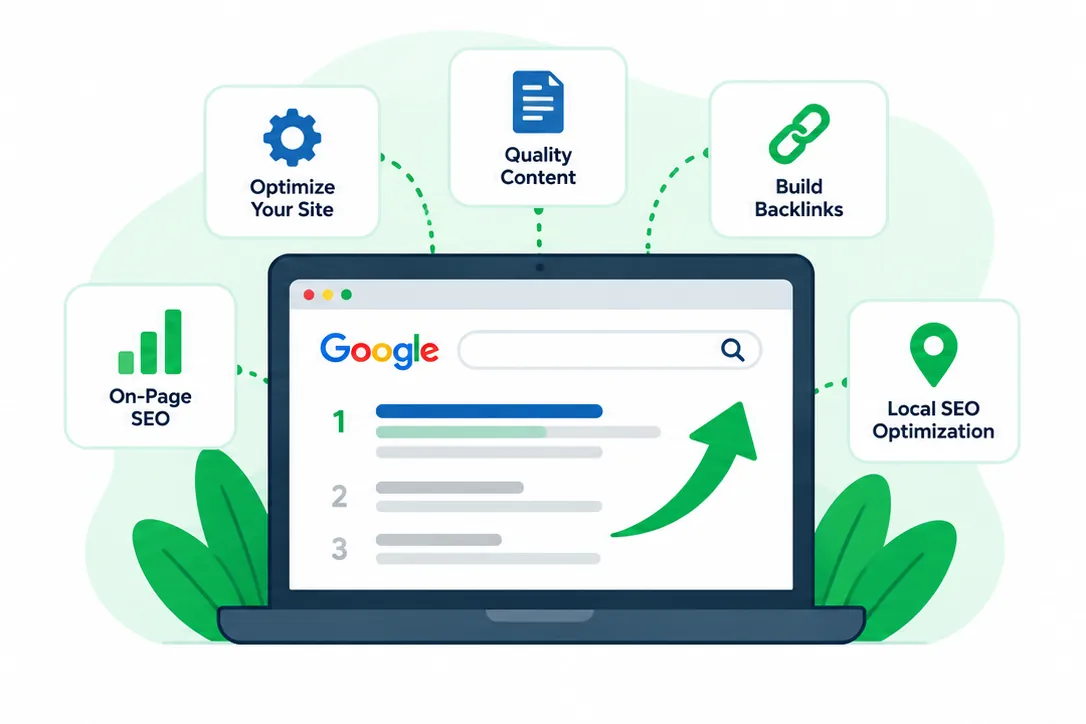
What Should I Check First When My Website Isn't Ranking?
Check indexing first. Search for your domain using the site: operator as a quick clue, then verify the actual status in Google Search Console's URL Inspection tool. A missing result in a manual search is not conclusive evidence of deindexing.
Check the page itself. Confirm that it loads, returns an appropriate HTTP status, is not blocked by a noindex directive, and has a canonical URL pointing to the intended page. Verify that important pages are linked from navigation or relevant content.
Check the search intent. If someone searches for a local service, does your page clearly explain that service and where you offer it? Does it answer common questions and provide evidence that your business is credible?
Check the data. Search Console performance reports show impressions, clicks, average position, and queries. Compare recent periods carefully, and account for seasonality before assuming that a ranking decline reflects a technical failure.
Why Isn't My Website Showing Up on Google?
If your website is not showing up on Google, the first step is to determine whether Google can find the website at all or whether it simply does not rank for the searches you care about. Those are different problems with different solutions.
A new website may not have been discovered or indexed yet. An established site might have indexing restrictions, technical errors, weak or duplicate content, poor internal links, or stronger competitors. A site can also rank for its business name but not for competitive service searches.
Start with Google Search Console. Review indexing reports, inspect a specific page URL, and look at the queries that already generate impressions. This provides a more reliable starting point than searching for your own business repeatedly.
Google does not guarantee that every page will be indexed or ranked. Sustainable improvement starts with accessible pages, useful content, clear website structure, and an accurate understanding of what customers are searching for.
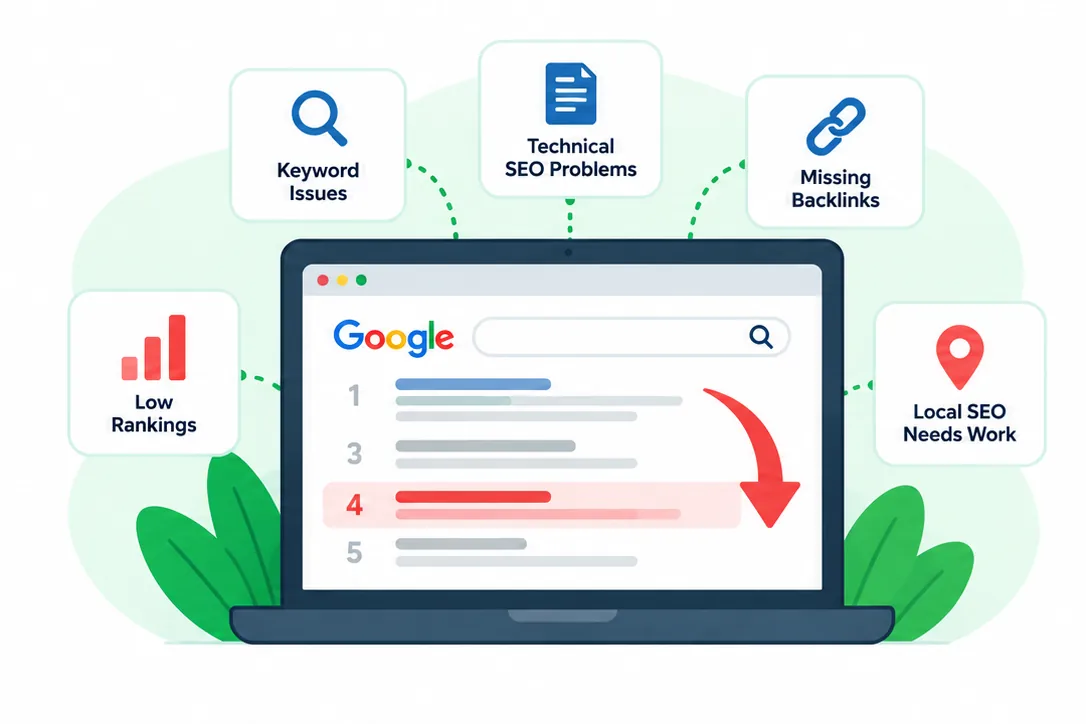

What WordPress Maintenance Plans Do You Offer for Utah Small Businesses?
No contracts. No Hassle.



How Can I Improve My Website's Google Rankings?
Start by choosing the pages that matter most to your business. Review which searches already produce impressions, identify gaps between what users want and what the page offers, and improve the page before creating more content. A focused service page should answer what you do, who you help, where you work, and what a visitor should do next.
Write for real questions, not keyword repetition
Use descriptive headings and natural language. Answer practical questions directly, explain the process, and include relevant details such as services, service areas, limitations, and expectations. Avoid copying nearly identical text across city pages. Content should be useful even if a visitor never arrives through Google.
Improve titles, descriptions, and internal links
Write unique, accurate page titles that describe the page. Meta descriptions can influence how a result is presented, but Google may generate a different snippet. Link related pages using descriptive anchor text so visitors and crawlers can understand the relationship between services, resources, and locations.
Show why customers can trust your business
Clear contact information, detailed service explanations, relevant examples, policies, and authentic testimonials can help visitors evaluate a business. For local businesses, consistent business details across your website and business listings reduce confusion. Avoid unsupported claims such as being the “number one” provider.
Review the right metrics
Track search impressions, clicks, relevant queries, landing pages, and actual inquiries. Rankings vary by location, device, personalization, and time. One manually checked keyword is not enough to measure progress. Evaluate changes over meaningful periods and document what you changed.
How Long Does It Take to Rank on Google?
There is no reliable universal timeline. Technical corrections may be recognized after recrawling, while competitive service pages can take considerably longer to earn visibility. The age of the website, competition, content quality, local relevance, and existing reputation all affect the outcome. Be cautious of anyone promising a specific ranking by a specific date.
Can a Website Redesign or Migration Cause Rankings to Drop?
Yes. Changed URLs without redirects, missing content, accidental noindex settings, broken navigation, and altered page titles can all reduce visibility. Before launching changes, document important URLs, map redirects, verify indexing settings, and test critical pages. After launch, monitor Search Console for crawl and indexing changes. If your website also needs structural improvements, explore our WordPress website development services.
What If My Website Was Ranking and Suddenly Disappeared?
Check Search Console for manual actions, security issues, indexing changes, and affected queries. Verify that the pages are accessible and have not been redirected or marked noindex. Compare the timing with website updates, migrations, and known changes. A drop in clicks may also reflect seasonal demand or changing search-result layouts rather than complete loss of indexing.
Should I Hire Someone to Fix My WordPress SEO?
If you cannot identify the problem or need ongoing improvements, an experienced WordPress professional can review the technical foundation, page structure, and content opportunities. Zindex can help with website issues and coordinate broader search optimization needs. Learn about our SEO services or contact us to discuss what you are seeing.
How Does It Work?
Get Help Finding Out Why Your Website Isn't Ranking
Not showing up on Google can mean an indexing problem, a technical issue, or simply that your pages are not competitive for the searches you want to reach. Zindex helps small businesses investigate WordPress website problems and improve the foundation needed for search visibility.
We can review the symptoms, identify practical next steps, and help you prioritize changes. Contact Zindex to tell us which pages and search terms concern you.

Step 1
Choose a WordPress Maintenance Plan
Browse our WordPress maintenance plans and select the option that fits your website and budget. Every plan is designed to keep your site updated, monitored, and protected.

Step 2
Connect and
Onboard
Once you sign up, we review your site and set up the systems needed to manage updates, backups, monitoring, and ongoing maintenance. Our WordPress maintenance services are put in place immediately so nothing is left exposed.

Step 3
Sit Back and
Relax
With Zindex managing your WordPress site, you are not worrying about updates or downtime. Your website stays stable and supported while you focus on running your business.
Frequently Asked Questions About Google Rankings
Answers to Common Website Indexing and SEO Questions
It may not be indexed, it may have technical restrictions, or it may simply not rank for the terms you searched. Inspect the URL in Google Search Console to distinguish these situations.
Compare WordPress Maintenance Plans & Features
No contracts. No Hassle.
Choose the WordPress maintenance plan that fits your website. All plans include monitoring, backups, and ongoing updates.
- Weekly Updates
- 24/7 Monitoring
- Hacked website solutions
- Daily Backups
- Performance Check
- Monthly Site Customizations
- Technical Support
Basic *
- Weekly Updates
- 24/7 Monitoring
- Hacked website solutions
- Daily Backups
- Performance Check
- Monthly Site CustomizationsMonthly Customizations
not included - Technical Support
Standard *
- Weekly Updates
- 24/7 Monitoring
- Hacked website solutions
- Daily Backups
- Performance Check
- Monthly Site CustomizationsLimited Monthly Customizations
- Technical Support
Professional *
- Weekly UpdatesDaily Updates
- 24/7 Monitoring
- Hacked website solutions24/7 Hacked website solutions
- Daily Backups
- Performance Check
- Monthly Site Customizations*Unlimited Monthly Site Customizations
- Technical Support
What Small Business Owners Say About Zindex
Small businesses trust Zindex to keep their WordPress websites secure, updated, and running reliably. From ongoing hosting and maintenance to full website rebuilds, our clients rely on us to manage their sites long term so they can focus on running their business instead of fixing website issues.